Link
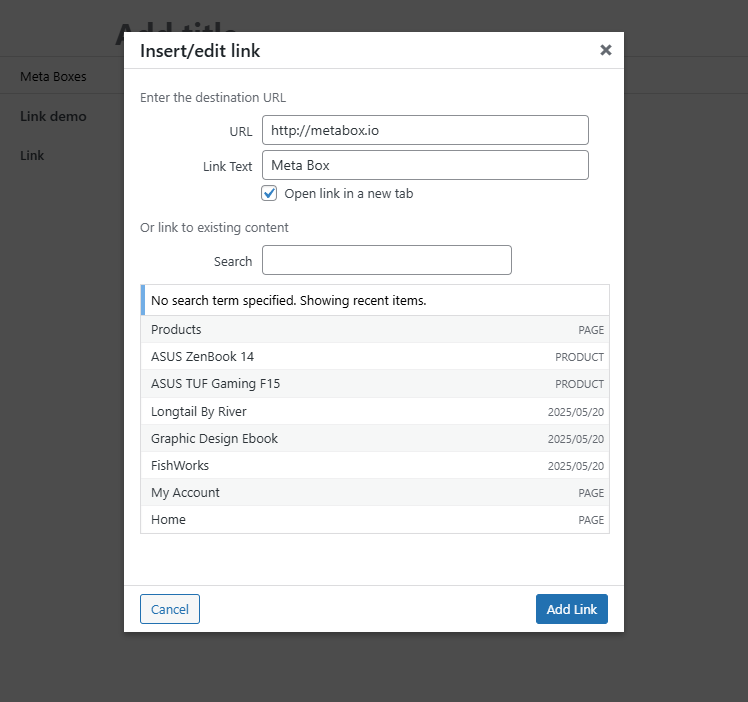
The link field allows you to insert or edit a link, which includes a URL, optional title text, an option to open the link in a new tab. You can also select an existing content (post, page, etc.).
Screenshots
Settings
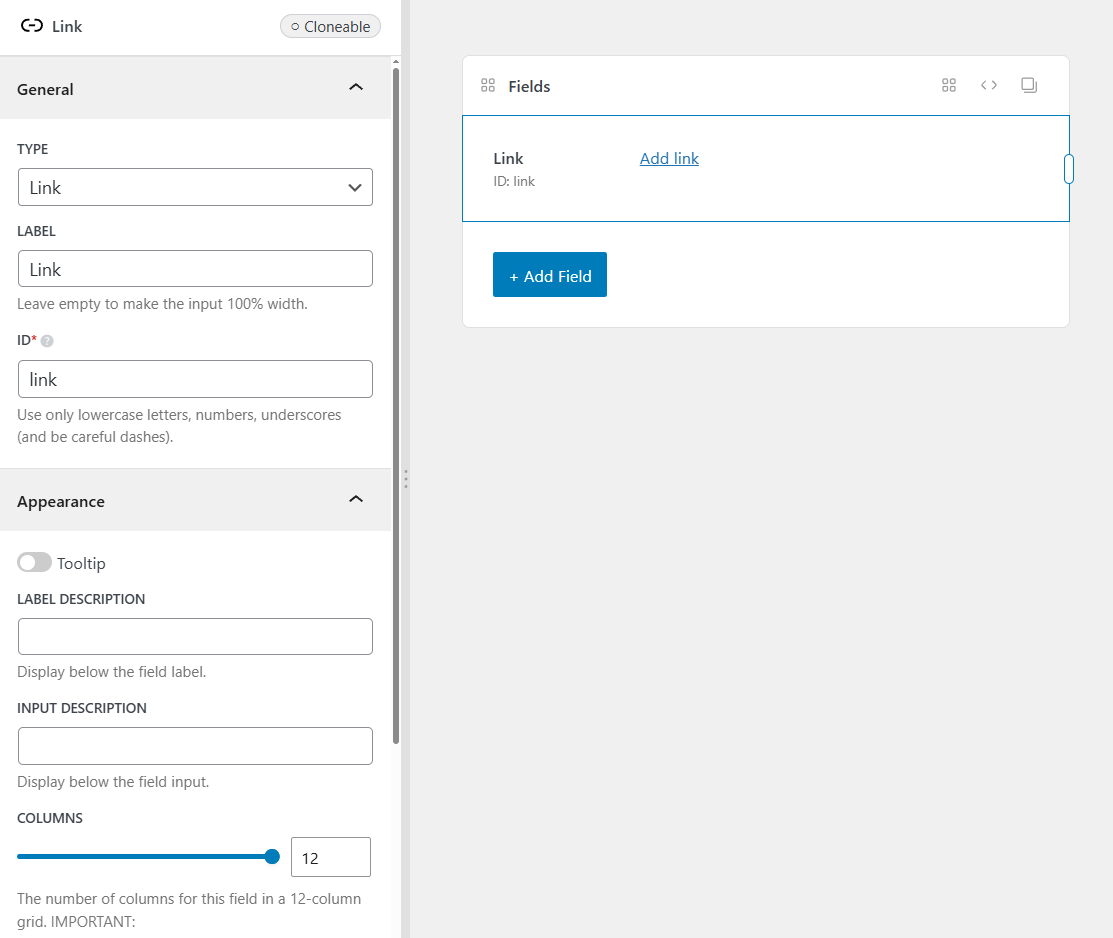
This field has no additional settings besides the common settings.
This is a sample field settings array when creating this field with code:
[
    'name' => 'Social Links',
    'id'   => 'social_links',
    'type' => 'link',
],
Data
This field saves the value as a serialized array in the database with the following keys:
url: The URL of the link.title: The link title text.target: The link target (empty or_blank).post_id: The selected post ID (optional). This is useful when you want to get more details of a selected post.
Example:
[
    'url'    => 'https://metabox.io',
    'title'  => 'Meta Box',
    'target' => '_blank',
]
If the field is cloneable, then the value is stored as a serialized array in a single row in the database.
Template usage
Displaying the link in an <a> tag:
<p>Entered: <?php rwmb_the_value( 'my_field_id' ) ?></p>
Displaying cloneable values:
<?php $values = rwmb_meta( 'my_field_id' ) ?>
<?php foreach ( $values as $value ) : ?>
    <a href="<?= $value['url'] ?>" target="<?= $value['target'] ?>"><?= $value['title'] ?></a>
<?php endforeach ?>